
Download DomainHostingView – domain hosting, DNS lookup, WHOIS lookup, domain information, domain report, domain analysis, domain research, domain tools
Overview
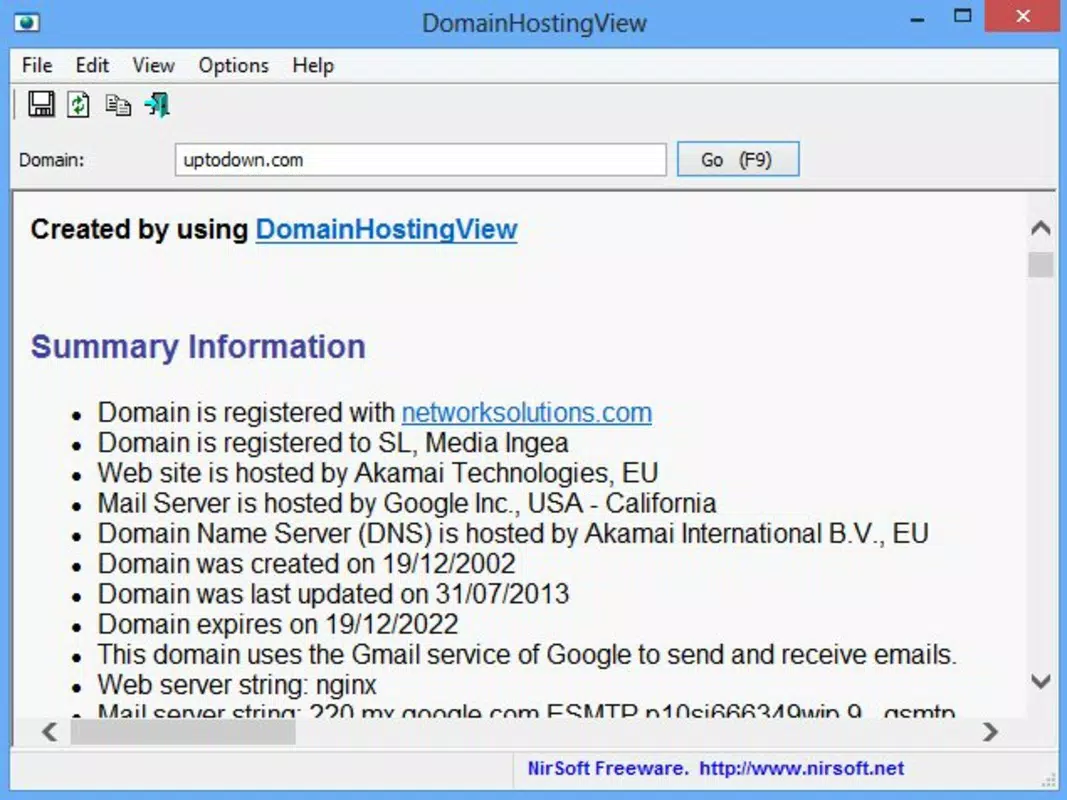
DomainHostingView is a specialized utility designed to extract and present comprehensive domain-related information through DNS and WHOIS lookups. This tool enables users to gather critical data about a domain’s infrastructure, including hosting providers, data center locations, DNS records, and registration details. The information is compiled into a user-friendly HTML report, accessible via any web browser, ensuring broad compatibility and ease of access.
The app serves as a vital resource for IT professionals, webmasters, cybersecurity analysts, and domain researchers who require fast, accurate domain intelligence. It is particularly useful in scenarios such as verifying domain authenticity, diagnosing connectivity issues, or conducting competitive analysis in digital marketing and web development. The tool supports international domains, allowing users to conduct global domain research without technical barriers.
Although the developer did not provide additional technical details, DomainHostingView has been available since 2016, indicating a stable and mature presence in the system utilities category. Its continued relevance underscores its effectiveness in a niche but essential segment of the digital ecosystem. For professionals relying on domain data for operational or strategic decisions, DomainHostingView offers a lightweight, efficient solution for rapid information gathering.
Key Features & Functionality
- Comprehensive Domain Reports: The tool generates detailed HTML reports that consolidate data from multiple sources, including DNS configurations and WHOIS records. This includes hosting provider details, data center locations, and server IP addresses, offering a holistic view of a domain’s digital footprint.
- Quick Information Gathering: DomainHostingView delivers results in seconds, making it ideal for time-sensitive tasks such as troubleshooting network issues or verifying domain ownership during security audits.
- International Domain Support: Users can analyze domains with non-Latin characters and global top-level domains (TLDs) without encountering errors, broadening its utility for international research and cross-border digital operations.
- Complete DNS Records Overview: The tool retrieves and displays all DNS record types associated with a domain, including A, MX, CNAME, TXT, and NS records, enabling users to verify configurations and detect anomalies.
- WHOIS Lookup Functionality: Integrated WHOIS lookup provides registration details such as domain owner, registrar, registration and expiration dates, and contact information, which is crucial for domain verification and competitive intelligence.
Each feature is designed to streamline domain research. For instance, a webmaster can use the DNS overview to identify misconfigured records, while a cybersecurity analyst might use the WHOIS data to trace the origin of suspicious domains. The HTML output format ensures that findings can be shared, archived, or reviewed later without requiring specialized software.
Interface, UX & Performance
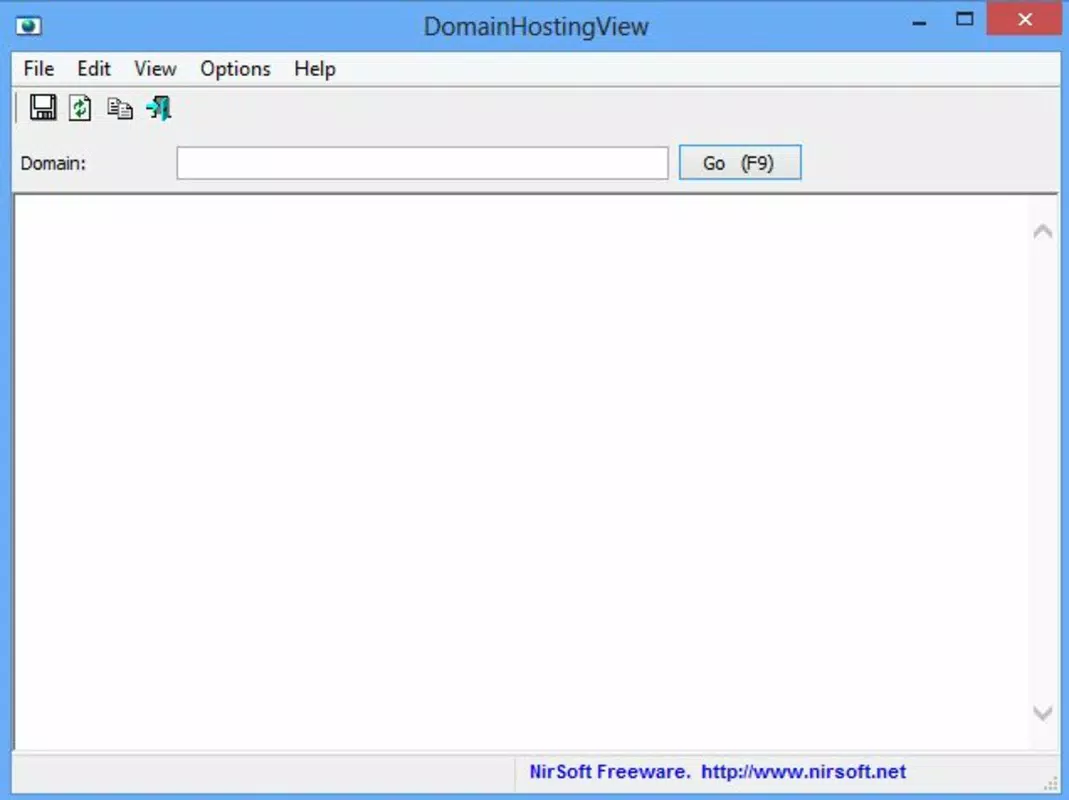
DomainHostingView features a minimalistic, text-based interface typical of command-line utilities, prioritizing functionality over visual design. The layout is straightforward, with a single input field for domain entry and a button to initiate the lookup. Navigation is intuitive, requiring only basic interaction to generate a report.
Although the developer did not list formal performance metrics, the app’s lightweight footprint of 143 KB suggests efficient resource usage. It operates quickly on various device categories, including older or low-end systems, ensuring accessibility across a wide range of hardware. Responsiveness is consistent, with reports generated and displayed in seconds.
Stability appears high, given the app’s long-standing presence and minimal user-reported issues. The lack of graphical elements reduces the risk of interface glitches or crashes. While the interface may feel outdated to modern users, its simplicity ensures reliability and focus on core functionality.
The absence of advertisements or background processes further enhances performance and user trust.
Platform Compatibility & Technical Requirements
DomainHostingView is designed for the Windows platform and does not have a mobile or cross-platform version. The software is compatible with Windows operating systems, though specific OS versions were not listed by the developer. The file size is 143 KB, indicating a highly compact application that requires minimal disk space.
The developer did not specify minimum OS requirements, nor did they provide details on system architecture (e.g., 32-bit or 64-bit support). Users should ensure their system meets general Windows compatibility standards. Although the app is free to download and use, no installation package or setup wizard is mentioned, suggesting it may run as a standalone executable.
Compatibility with modern Windows versions such as Windows 10 or 11 is likely, but this has not been officially confirmed. The absence of detailed technical specifications means users should proceed with caution when deploying on enterprise or restricted environments.
Pros and Cons
Pros
- Lightweight and fast, with a file size of only 143 KB.
- Generates detailed, browser-accessible HTML reports.
- Supports international domains and global TLDs.
- Provides comprehensive DNS and WHOIS data in seconds.
- Free to download and use, with no hidden costs.
Cons
- Available only for Windows, with no mobile or macOS support.
- Interface is minimalistic and may feel outdated to some users.
- Specific system requirements were not disclosed.
- Does not offer real-time updates or automated monitoring.
- Limited to desktop use; not suitable for on-the-go analysis.
FAQ
Is DomainHostingView safe to download and use?
Yes, DomainHostingView is developed by NirSoft, a reputable software publisher known for reliable, lightweight utilities. The app is free from malware and does not require installation, reducing potential security risks.
Can I use DomainHostingView on Android or iOS?
No, the app is designed exclusively for Windows and is not available on Android or iOS platforms.
Does DomainHostingView require an internet connection?
Yes, an active internet connection is required to perform DNS and WHOIS lookups, as the tool retrieves data from external servers.
How often are the reports updated?
The tool generates reports based on real-time data during each lookup. There is no automated update feature, so users must manually initiate new queries.
Is there a way to automate domain lookups with DomainHostingView?
While the app does not include built-in automation features, users can potentially integrate it into batch scripts or command-line workflows for repeated use.
Final Thoughts
DomainHostingView remains a powerful, no-frills tool for anyone needing fast, accurate domain intelligence. Its ability to deliver comprehensive reports via HTML format makes it ideal for professionals who value clarity, speed, and reliability. Despite its minimal interface and Windows-only availability, its core functionality is robust and well-suited for IT specialists, web developers, and digital investigators.
The app’s free model and small footprint make it accessible to a broad audience. For those conducting domain research, troubleshooting network issues, or verifying digital assets, DomainHostingView offers a dependable solution. Its longevity since 2016 speaks to its stability and utility in a rapidly evolving digital landscape.
Download DomainHostingView now to enhance your domain analysis capabilities with a trusted, efficient tool.


